
Secure Cloud Productivity Suite for the Modern Office
Unified Microsoft 365 Experience at the HP MFP
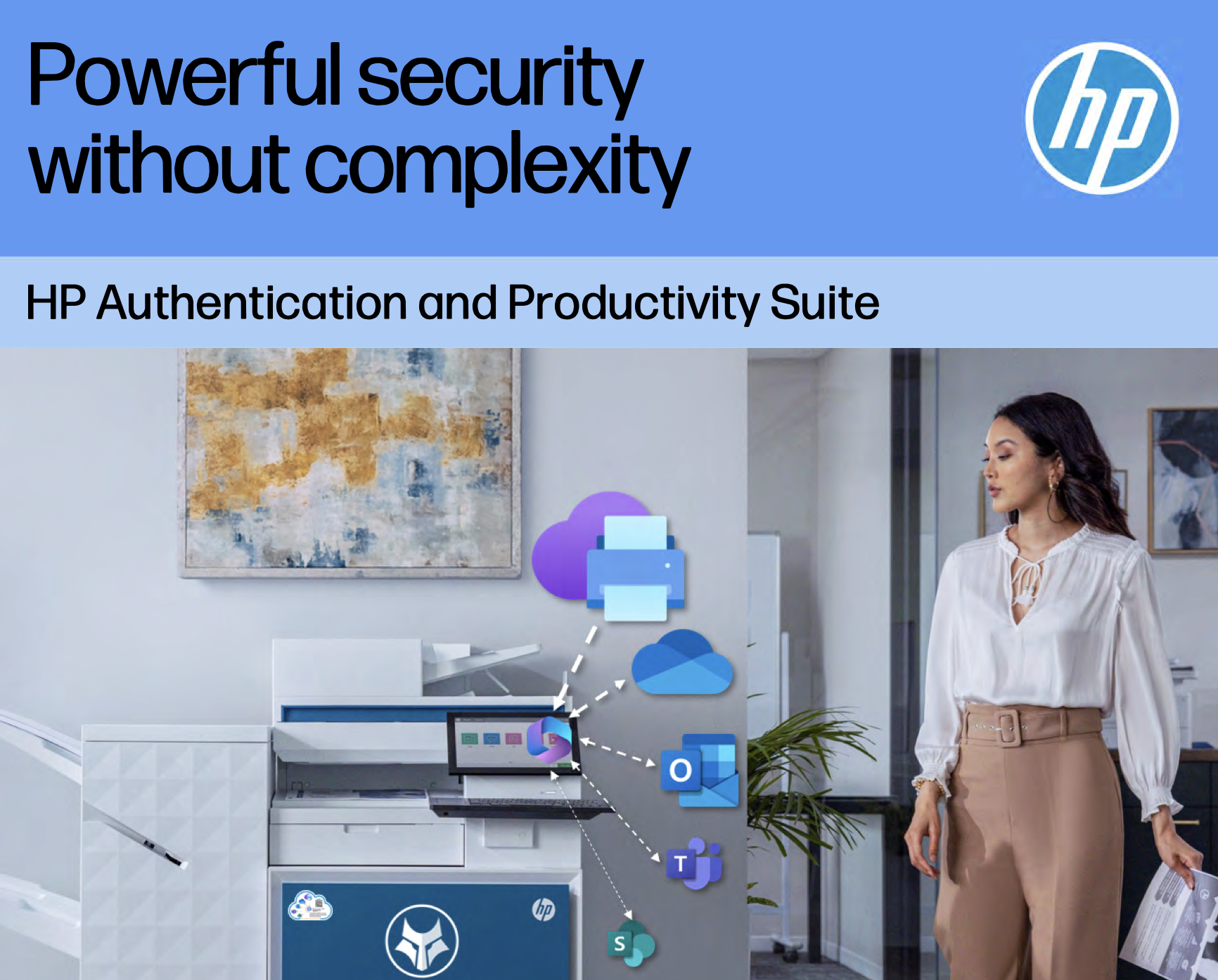
The Secure Cloud Productivity Suite apps for HP Multi-Function Printers extend the full power of Microsoft cloud services—Universal Print, Outlook, OneDrive, SharePoint, and Teams—directly to the device control panel. Designed for cloud-first, Microsoft-centric organizations, these apps eliminate legacy infrastructure, enhance security, streamline document workflows, and provide a consistent user experience across the Microsoft 365 ecosystem.
-
Sign in once with Microsoft Entra ID, use everything — print, scan, email, Teams, SharePoint, OneDrive.
-
No print servers, no desktop agents, no external card readers, no third-party SaaS.
-
Conditional Access, MFA, device compliance and audit — all inherited from Microsoft 365.
Talk to us about the Secure Cloud Productivity Suite


What is the Secure Cloud Productivity Suite?
One Workspace at the Printer for All Your Microsoft 365 Workflows
The Secure Cloud Productivity Suite is a unified experience for HP multi-function printers that brings Universal Print, Outlook, OneDrive, SharePoint and Teams directly to the device control panel. Users authenticate once with Microsoft Entra ID and can securely print, scan, send and collaborate using the tools they already know — without drivers, print servers or third-party identity platforms.
Powered by HP’s Microsoft 365 MFP apps and HP Authentication Manager, the Secure Cloud Productivity Suite turns every HP Workpath-enabled MFP into a secure Microsoft 365 cloud productivity hub.
-
Authentication is built directly into the HP MFP experience. No external card readers, no proprietary hardware. Users log in with Microsoft Entra ID via QR, BLE, NFC or passwordless methods at the panel.
-
No desktop agents, no device certificates, no local installers. IT teams manage print and scan workflows entirely via Microsoft Entra and HP Command Center.
-
Universal Print and the HP M365 apps run 100% in the Microsoft cloud — no print servers, VPNs or on-prem appliances to patch, back up or secure.
-
Universal Print delivers modern driverless printing across Windows, macOS, iOS and Android. No queues to script, no drivers to package, test or roll back.
-
Passwordless sign-in via Microsoft Entra ID and Microsoft Authenticator eliminates shared PINs and password risk, while enforcing Conditional Access and MFA at the device.
WHAT USERS CAN DO AT THE DEVICE
Print, Scan, Send and Collaborate — All in Microsoft 365
-
![]()
OneDrive App
Scan documents into personal OneDrive folders.
Browse, select and print files stored in OneDrive with Entra-secured access.
-
![]()
MailFlow (Outlook) App
Browse and search your Microsoft 365 inbox at the device.
Print emails and attachments or scan directly into an email reply.
-
![]()
Universal Print App
Release cloud print jobs securely at any HP Workpath-enabled MFP.
Choose colour/B&W, copies and finishing options at the panel.
Single queue for roaming, pull-print and direct print scenarios.
-
![]()
SharePoint App
Scan straight into SharePoint Online libraries with correct folders and metadata.
Print documents directly from SharePoint sites.
-
![]()
Teams App
Scan to Teams channels for project and departmental workflows.
Print files stored in Teams with channel permissions fully enforced.



“The Suite in Action”
BUSINESS VALUE & COST SAVINGS
-
Remove servers, agents and reader hardware — reduce print infrastructure cost by consolidating everything into Microsoft 365.
-
Standardise on the Microsoft admin stack your team already uses, simplifying onboarding, offboarding and policy management for every HP MFP.
-
Give users direct access to their cloud storage, email and collaboration tools at the device, reducing manual steps and speeding up document-centric workflows.
INDUSTRIES & USE CASES
-
Identity-based access, full audit trails, cloud capture into secure SharePoint and Teams workspaces — without USB or local storage risk.
-
Data, identity and audit all remain within sovereign Microsoft 365 tenants; no third-party SaaS or external identity stores.
-
Strong MFA, Conditional Access and Purview-aligned scanning and printing for regulatory and records obligations.
-
Frictionless student and staff printing with Universal Print, driverless deployment and simple self-service release.
-
Standardise globally on Microsoft 365 and HP, leveraging existing E3/E5 and Business Premium licensing to modernise print and scan.
The Secure Cloud Productivity Suite gives you a single, identity-native platform for secure printing, scanning, email and collaboration — with no extra servers, agents or third-party risk.
Ready to Turn Your HP MFPs into Microsoft 365 Workhubs?
Contact us.
To speak to one of our representatives, please complete the form and a preferred time to talk.